

TechHelpa
Tech help, without the jargon. TechHelpa is made for people who find technology hard: a parent, a grandparent, or anyone who just wants a clear answer. Take a photo of a confusing screen, or simply say or type what you need, and TechHelpa explains what to do in plain English.
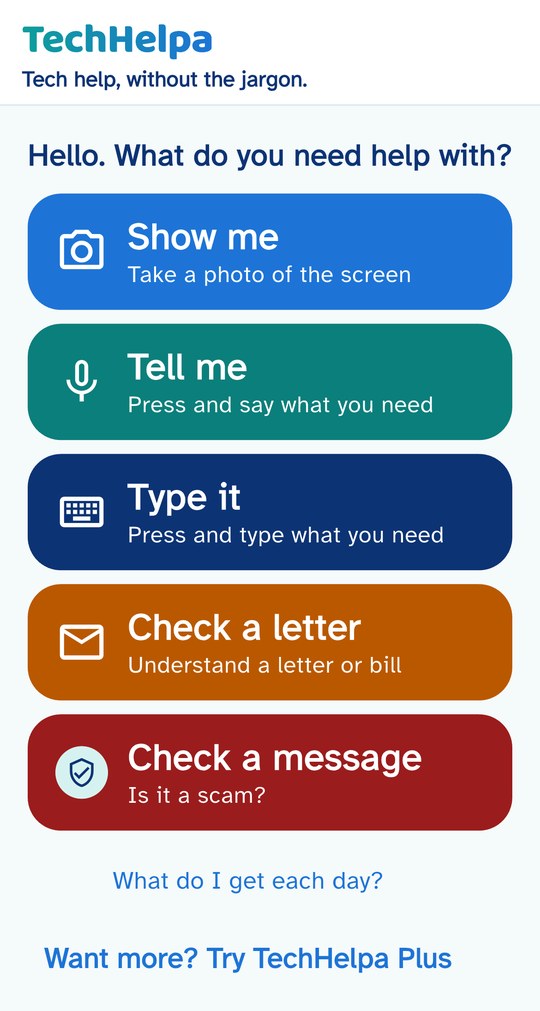
Big, simple buttons
- Show meTake a photo of a confusing screen.
- Tell mePress and say what you need.
- Type itPress and type what you need.
- Check a letterTake a photo of a letter or bill and get a plain English explanation.
- Check a messageFind out whether a message is a scam.
Large text, clear colours and nothing to learn.
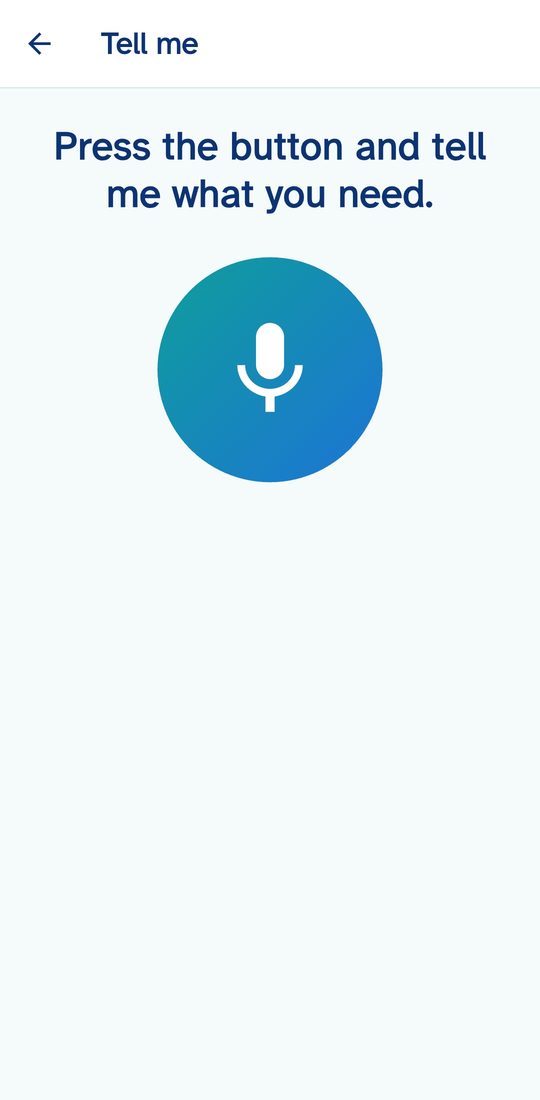
Just say it
No typing needed. Press the button and say what the problem is, in your own words, such as "How do I make the writing bigger?". TechHelpa answers in short, plain steps, one thing at a time, and can read the answer aloud.
The answer can also be shared with a family member.
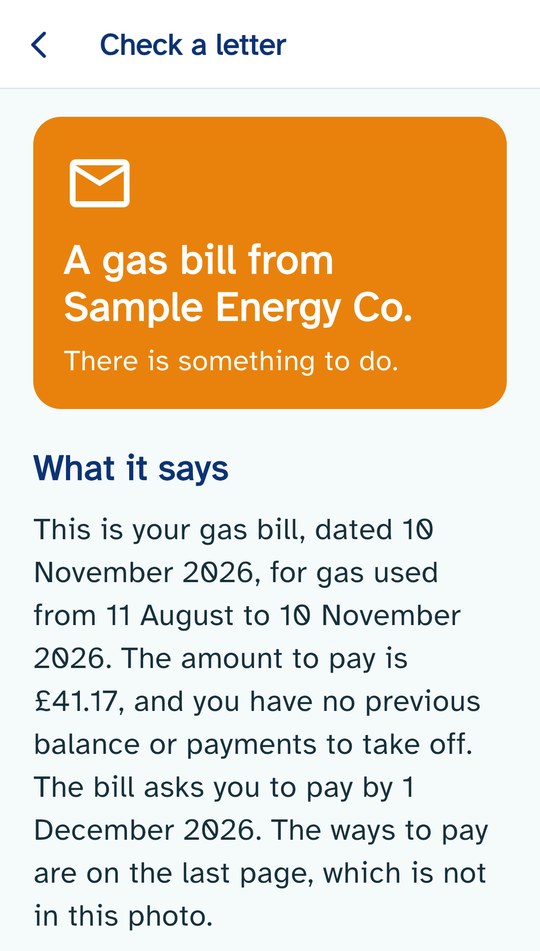
Understand any letter or bill
Got a letter you do not understand? Take a photo of it, and TechHelpa tells you in plain English what it says, who it is from, how much you owe and by when. It then lists simple steps for what to do next.
A coloured banner at the top shows at a glance how much attention the letter needs:
- Red: urgent. A deadline within about two weeks, a final notice, a legal step, or a letter that may be a scam.
- Orange: there is something to do, but no pressing deadline.
- Green: no rush. The letter is for information only.
It can read the answer aloud. If a letter looks like a scam, it says so, points you to the scam checker and can send the letter to a family member. Your photo is only used to write the answer, and it is not kept.
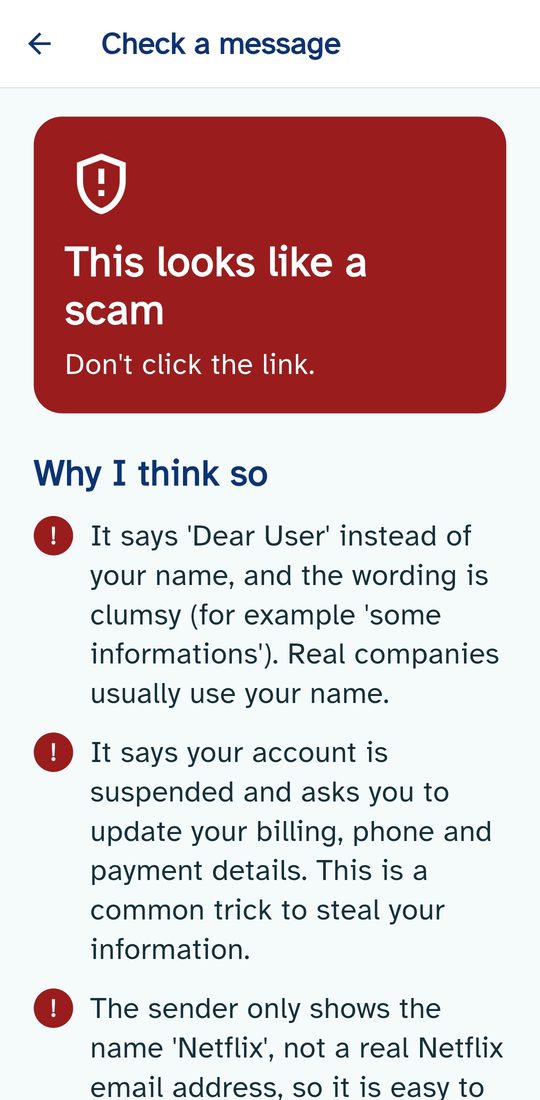
Is it a scam?
Not sure about a text, an email or a web page? Take a photo or paste it in, and TechHelpa tells you whether it looks like a scam and, in simple words, why.
It looks for the things scammers do: pressure to act fast, requests for card or bank details, and senders that do not match. It is honest when it cannot be completely sure, and reminds you to ring your bank on a number you already trust.
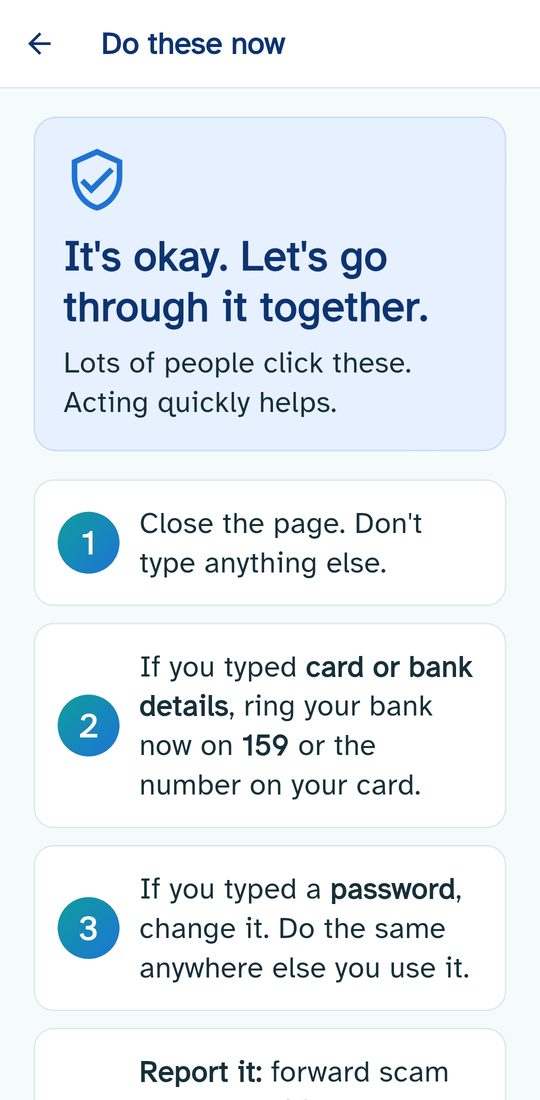
Kind help when something has gone wrong
If someone has already clicked a link, TechHelpa does not make them feel silly. It says "It's okay. Let's go through it together", then gives a short list of what to do now, such as ringing the bank, changing a password and reporting the message.
Free to start
TechHelpa is free to try, with a small daily allowance of questions. TechHelpa Plus gives much higher daily allowances for £4.99 a month, and you can cancel at any time.
Your photo or question is sent to an AI service so it can write your answer. We do not keep it, we have no adverts, and we never sell your information. Our privacy policy explains exactly how it works.
TechHelpa is available now on Google Play for Android phones and on the App Store for iPhone.
Questions or feedback? Email support@brighterfuturetechnology.com. We read every message.